
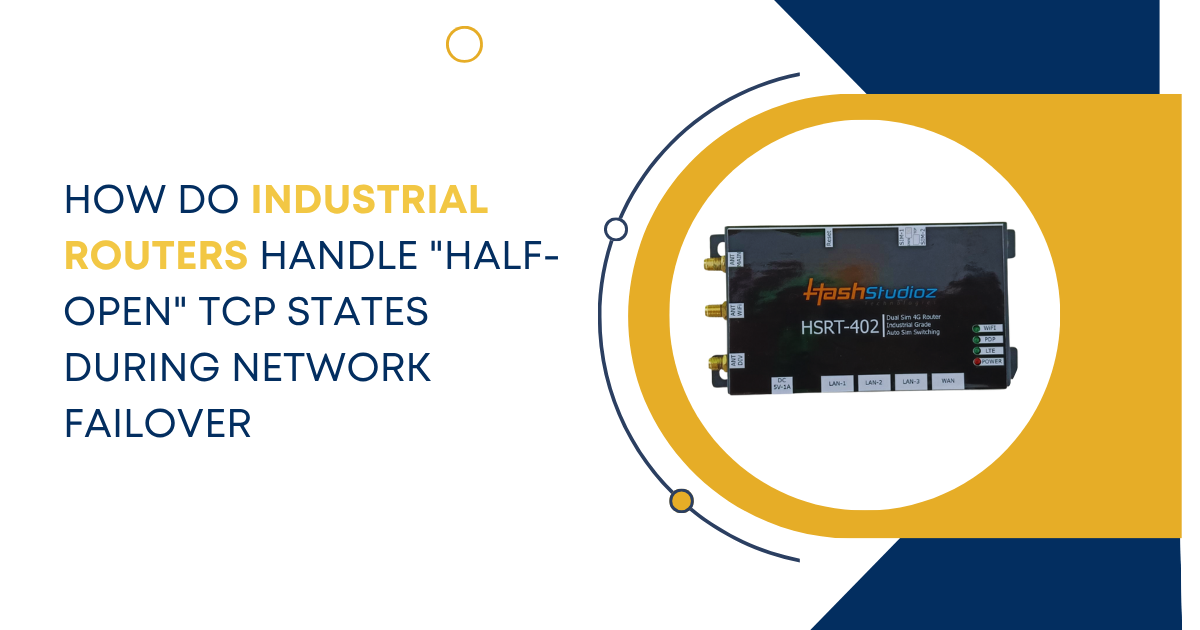
In the world of automated factories and remote monitoring, uptime is the only metric that truly matters. Reliable communication depends on the Transmission Control Protocol (TCP). This protocol ensures that data arrives in the correct order. However, network interruptions often create a technical glitch known as a half-open connection. For an Industrial Router, managing these states during a failover is a critical task.
When a primary link fails, a Dual SIM Industrial Router must switch to a backup cellular provider. This transition must happen fast. If the router does not handle TCP states correctly, the entire industrial process can stall. Half-open states can hang a system for minutes or hours. In a high-speed production line, such a delay is unacceptable.
Understanding the TCP Three-Way Handshake
To understand half-open states, we must first look at how TCP starts. It uses a three-way handshake. First, the client sends a synchronize (SYN) packet. Second, the server acknowledges the request with a SYN-ACK. Finally, the client confirms the connection with an ACK. Once these steps finish, the connection is “Established.” Both ends track the status of the session. They use sequence numbers to keep data in order.
A half-open state occurs when one end of the connection closes without notifying the other. This happens frequently during sudden power losses or signal drops. One side believes the line is active. The other side has no record of the session. In industrial settings, this leads to zombie connections. These dead sessions eat up memory and block new commands.
The Role of Failover in Industrial Settings
Industrial sites often exist in harsh environments. They rely on cellular networks for primary or backup data. A Dual SIM Industrial Router provides redundancy. It holds two different SIM cards from different carriers. If Carrier A loses signal, the Industrial Router detects the drop. It then switches to Carrier B. This process is called failover.
While the hardware switches quickly, the software layers face a challenge. The TCP sessions from Carrier A are still live in the eyes of the server. The server expects data from the old IP address. When the router switches to the second SIM, the IP address changes. The server does not recognize the new source. It keeps the old session open, waiting for an acknowledgment that will never arrive.
Statistics on Network Failures
Recent studies highlight the cost of network instability. Research shows that 35% of industrial downtime results from network issues. The average cost of industrial downtime is $5,600 per minute. Furthermore, failover recovery times over 10 seconds cause PLC timeouts. These timeouts trigger emergency shutdowns in 60% of manufacturing cases. Proper handling of TCP states can reduce these recovery times by 80%.
How Routers Detect Failure
An Industrial Router does not just wait for a signal to disappear. It uses active monitoring tools to verify the path.
1. ICMP Keep-Alives
The router sends pings to a known IP address. If the pings fail, the router initiates failover. This is the most basic form of detection. However, pings do not always reflect the health of a TCP session.
2. TCP Intercept
Some routers watch the actual data flow. If no acknowledgments return for a set time, the router marks the link as dead. This method is more accurate for data-heavy applications.
3. LCP Echo Requests
For cellular links, the router uses Link Control Protocol. This checks the health of the tunnel between the tower and the device. It ensures the cellular modem is still registered to the network.
Managing the State Table During Failover
Every Industrial Router maintains a state table. This is a list of all active connections. When a failover occurs, the router has two choices for these states.
1. State Flushing
The router clears the entire table. It forces every device to start a new handshake. This is a clean process but it is slow. It causes a brief blackout for all connected sensors. The sensors must realize the connection is gone before they attempt to reconnect.
2. State Migration
Advanced routers try to keep the session alive. This is difficult because the WAN IP address usually changes. A Dual SIM Industrial Router might use a VPN to hide this change. The VPN keeps the inner IP address the same. This prevents the TCP stack from seeing the half-open event. The connection remains established even though the physical path changed.
The Problem of Ghost Sessions
When a switch happens, the server still thinks the old connection is valid. It waits for data. This is a ghost session. If a PLC tries to send data on the new link, the server might reject it. The server sees the wrong sequence number. It assumes the packet is an error or a security risk.
The server then sends a Reset (RST) packet. The RST packet tells the sender to stop immediately. It forces the PLC to restart the communication. Effective Industrial Router firmware manages these RST packets to speed up recovery. Some routers generate a local RST packet the moment a failover occurs. This tells the local equipment to stop waiting and start over right away.
Using TCP Keep-Alives to Clear Dead Links
To fix half-open states, engineers use TCP Keep-Alives. These are small packets sent during idle times. The sender asks if the receiver is there. The receiver must reply. If no reply comes after several tries, the connection closes.
In industrial environments, standard timers are often too long. A typical server might wait two hours before sending a keep-alive. An Industrial Router can be configured to shorten these timers. This ensures dead links clear in seconds. Setting a keep-alive interval of 30 seconds is common in remote monitoring.
Dead Peer Detection in VPN Tunnels
Most industrial data travels through encrypted tunnels. If a Dual SIM Industrial Router switches SIMs, the tunnel must rebuild. Dead Peer Detection (DPD) monitors the tunnel. If the router switches paths, DPD notices the lack of traffic. It kills the old tunnel immediately. This allows the new tunnel to claim the existing traffic. Without DPD, the old tunnel remains half-open and blocks the new data path.
NAT and Session Persistence
Network Address Translation (NAT) adds another layer of trouble. Most cellular networks use Carrier-Grade NAT (CGNAT). When an Industrial Router fails over, it receives a new public IP. The server on the other end sees a request from a new source. It cannot link this to the old half-open session.
Some high-end routers use Sticky Sessions. They try to map the new connection to the old internal port. This helps the server recognize the device. However, this only works if the server is programmed to accept IP changes within a session. Most secure industrial servers will reject this for safety.
The Importance of ARP Management
Address Resolution Protocol (ARP) tables also play a role. When a router switches its internal role, it must update the ARP cache of connected devices. If a half-open state exists, the device might keep sending data to a dead MAC address. The Industrial Router sends a Gratuitous ARP (GARP) packet. This packet tells all local devices that the path has changed. It ensures that new TCP packets find the correct gateway immediately.
Logic and Timing in Failover Scripts
Technicians often write scripts to handle complex failovers. These scripts define the order of operations. First, the router detects the failure. Second, it brings up the backup SIM. Third, it sends a reset signal to the internal network. This sequence prevents the PLC from sending data into a void.
Timing is everything in these scripts. If the router sends the reset too early, the backup link might not be ready. If it sends it too late, the PLC might enter an error state. A well-tuned Industrial Router balances these phases to achieve sub-second recovery.
Real-World Example: Water Treatment Plant
Consider a water treatment plant. It uses a Dual SIM Industrial Router to monitor tank levels. The router uses SIM 1 as the primary link. A storm knocks out the local cell tower. The TCP connection between the PLC and the central office stays half-open.
The router switches to SIM 2. It recognizes the half-open state of the level sensor. The router sends a TCP Reset to the local PLC. The PLC immediately starts a new handshake over the new link. Data begins flowing again within 5 seconds. Without this active management, the PLC might wait 60 seconds. In that time, a tank could overflow.
Optimizing the Industrial Router Configuration
To handle half-open states effectively, technicians must tune the router settings. Here are the best practices for configuration.
1. Adjusting TTL Values
Time-to-Live (TTL) values determine how long a packet survives. Lowering TTL during failover testing helps identify routing loops. It ensures that old packets do not wander the network after a switch.
2. Reducing Timeout Constants
Change the default TCP timeout. In a closed industrial network, you do not need to wait minutes. Set the Established Connection Timeout to a lower value. This clears the state table faster. A value of 300 seconds is often better than the default 3600 seconds.
3. Enabling Fast Failover Features
Many Industrial Router brands offer proprietary fast-switch features. These features keep the backup SIM in a warm state. The modem stays registered to the tower but does not pass data. This reduces the time the network spends in a down state.
Challenges with Encrypted Traffic
Handling half-open states is harder when traffic is encrypted. The router cannot see the sequence numbers inside an SSL or TLS packet. It cannot inject a reset packet easily into an encrypted stream. In these cases, the router must rely on terminating the physical link. By dropping the local Ethernet port momentarily, the router forces the client to realize the connection is dead. This brute-force method effectively clears half-open states for encrypted traffic.
Logistic Development Company: Transforming Logistics Technology
The Impact of 5G on TCP Failover
The rise of 5G brings lower latency. This helps with failover speed. A 5G Industrial Router can detect a link failure in milliseconds. However, 5G also handles more sessions at once. A larger state table means more half-open risks.
Modern routers now use intelligent traffic analysis. They predict failures by monitoring signal quality. They start moving critical TCP sessions to the backup SIM before the primary link dies. This proactive approach eliminates the half-open state entirely. The session moves while the first link is still functional.
Summary of Technical Strategies
| Feature | Function | Benefit |
| TCP Keep-Alive | Probes the connection | Cleans up dead sessions |
| RST Injection | Sends reset packets | Forces immediate reconnect |
| Gratuitous ARP | Updates MAC tables | Directs traffic to the new path |
| DPD | Monitors VPN health | Rebuilds tunnels fast |
| Warm Standby | Keeps SIM 2 active | Reduces switching time |
Conclusion
Managing half-open TCP states is a vital job for any network expert. An Industrial Router acts as the brain of the remote site. It must do more than just switch signals. It must manage the logic of every active connection.
By using a Dual SIM Industrial Router, companies gain a safety net. But the hardware is only one part of the solution. Correct configuration of TCP timers and RST injection ensures that data stays fluid. In the high-stakes world of industry, these technical details prevent costly downtime. Clear session management keeps the machines running and the data accurate. Efficient failover protects the bottom line and ensures operational safety.