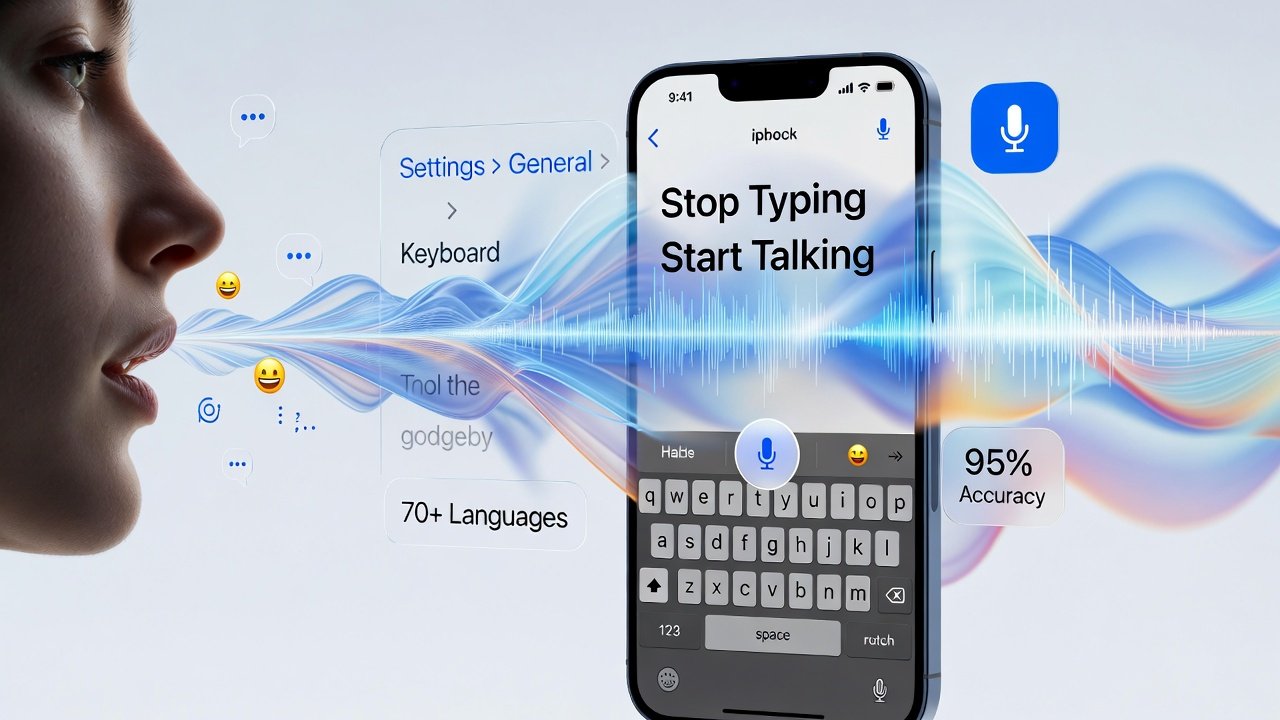
Typing used to be the only way to get ideas onto a screen. Then smartphones arrived. Now, Speech to Text apps have quietly taken over note-taking, content creation, meetings, and even coding workflows. Talking is faster than typing, and modern AI finally understands us well enough to keep up.
Free Speech to Text apps are no longer basic voice recorders. They use advanced machine learning, cloud computing, and natural language processing to convert spoken words into readable, structured text. When used correctly, they save time, reduce effort, and improve productivity without hurting accuracy.
Let’s break down how these apps work, which features actually matter, and how to choose a free tool that doesn’t feel “cheap.”
What Are Free Speech to Text Apps?
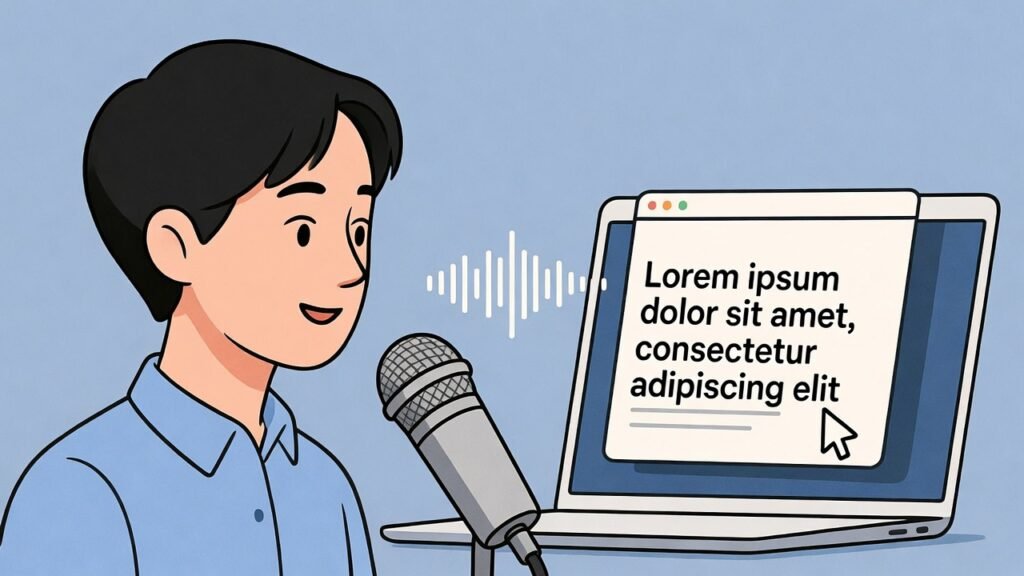
Speech to Text apps convert spoken language into written text in real time or after recording. You speak. The app listens. AI does the heavy lifting.
Early voice typing tools struggled with accents, background noise, and punctuation. Modern tools perform far better because they train on massive datasets and improve continuously.
Most free Speech to Text apps today rely on technologies developed by companies like Voicetonotes, Apple, Microsoft, and OpenAI, whose speech recognition systems are publicly documented and widely used across industries.
In simple terms:
Your voice becomes data → AI processes patterns → Text appears on the screen.
Magic? No. Smart engineering? Absolutely.
Why Speech to Text Apps Are Exploding in Popularity
The rise of remote work, online education, and content creation pushed voice technology into the spotlight. People want speed without sacrificing clarity.
Here’s why users love Speech to Text tools:
- Speaking is up to 3x faster than typing (based on typing speed studies by Stanford and MIT)
- Hands-free input helps during multitasking
- Accessibility improves for users with disabilities
- Long-form content becomes easier to draft
- Ideas flow more naturally when spoken
Let’s be honest. Nobody enjoys typing meeting notes for an hour.
How Free Speech to Text Apps Actually Work
Despite the smooth user experience, serious technology runs behind the scenes.
Most apps follow this process:
- Audio capture using your microphone
- Noise filtering to clean the sound
- Speech recognition models detect words
- Language models add context and structure
- Text formatting adds punctuation and paragraphs
Companies like Google (Speech to Text API) and OpenAI (Whisper) publicly explain these steps in their technical documentation. There’s no mystery here, just solid AI engineering.
Free versions often limit usage time, languages, or export features. Still, the core transcription quality usually remains strong.
Key Features That Matter in Free Speech to Text Apps
Not all free tools deserve your time. Some look shiny but fall apart in real use.
Focus on these essentials:
1. Accuracy Comes First
A free app that misunderstands every third sentence wastes more time than it saves. Look for tools trained on diverse accents and languages.
2. Real-Time vs Recorded Transcription
Some apps work live. Others transcribe after recording. Choose based on your workflow.
3. Language and Accent Support
Google and Microsoft both confirm that multi-language training improves recognition accuracy. Good apps reflect this.
4. Editing and Export Options
You should be able to edit text easily and export it in common formats like TXT or DOC.
5. Privacy and Data Handling
Reputable apps clearly explain how they store or process audio. If privacy policies feel vague, walk away.
Free vs Paid: What Do You Really Lose?
Free Speech to Text apps are powerful, but they come with limits. That’s fair.
Here’s a realistic comparison:
Free Apps Offer:
- Solid transcription accuracy
- Basic editing
- Limited recording duration
- Fewer export formats
Paid Versions Add:
- Longer recordings
- Team collaboration
- Advanced formatting
- Cloud storage integrations
For students, bloggers, and solo creators, free tools often do the job perfectly. Power users may eventually upgrade, but free versions remain highly usable.
Real-World Use Cases That Actually Make Sense
Speech to Text apps shine when used intentionally.
Students
Lecture notes become searchable text. No more panic scribbling before the professor changes slides.
Professionals
Meeting summaries, interviews, and quick drafts get done faster. Microsoft research shows voice input improves workflow efficiency in office environments.
Content Creators
Speaking ideas feels more natural than typing. Many writers now dictate first drafts and edit later.
Accessibility Users
Apple and Google both highlight speech recognition as a core accessibility feature. That’s not marketing—it’s impact.
SEO and AI Content Creation: A Smart Combination
Speech to Text apps quietly help with SEO, too.
Spoken language sounds more natural. That improves readability, sentence flow, and human tone things Google’s Helpful Content system values.
When you speak instead of typing:
- Sentences sound less robotic
- Keyword stuffing becomes less likely
- Content feels more conversational
AI engines also prefer clear structure and logical flow. Dictation often produces exactly that.
Ironically, talking can make your writing rank better.
Common Mistakes Users Should Avoid
Even great tools fail when used poorly.
Avoid these mistakes:
- Speaking too fast without pauses
- Ignoring background noise
- Skipping manual proofreading
- Trusting 100% accuracy without review
Speech to Text is powerful, not perfect. Think of it as a smart assistant, not a mind reader.
Are Free Speech to Text Apps Reliable in 2026?
Short answer: yes.
Long answer: only if you choose wisely.
Research papers from IEEE and Google AI confirm that modern speech recognition accuracy now exceeds 90% in controlled environments. That’s a massive improvement compared to a decade ago.
Free apps benefit from the same core AI models as paid tools. Limitations exist, but reliability is no longer the issue. Expectations are.
How to Choose the Right Free Speech to Text App
Before committing, ask yourself:
- Do I need live transcription or recordings?
- Which language do I use most?
- How important is privacy?
- Will I export text often?
Testing two or three tools usually reveals the winner quickly. Trust your workflow, not flashy features.
Final Thoughts: Talk Less, Create More
Free Speech to Text apps have matured. They’re no longer gimmicks or accessibility add-ons. They’re serious productivity tools backed by real AI research and industry leaders.
When used correctly, they save time, improve clarity, and help ideas flow naturally. The best part? You don’t need to pay to experience most of the benefits.
So go ahead. Talk to your device.
It’s finally smart enough to listen.
Frequently Asked Questions (FAQs)
1. What are free speech to text apps?
Free speech-to-text apps are tools that convert spoken words into written text using artificial intelligence and speech recognition technology. These apps allow users to dictate notes, messages, and content instead of typing, making the process faster and more convenient.
2. Are free speech to text apps accurate?
Yes, most modern free speech-to-text apps offer high accuracy, especially in quiet environments. According to research published by Google and IEEE, advanced speech recognition systems can reach accuracy levels above 90% under proper conditions.
3. How do speech to text apps work?
Speech-to-text apps capture audio through a microphone, clean background noise, analyze speech patterns, and convert them into text using trained language models. This process happens almost instantly in real time or shortly after recording.
4. Can free speech to text apps handle different accents?
Many free speech-to-text apps support multiple accents and languages. Tools built on large AI models improve over time by learning from diverse speech data, which helps them understand regional pronunciation more accurately.
5. Are free speech to text apps safe to use?
Reputable speech-to-text apps clearly explain how they process and store audio data. Most trusted tools follow standard privacy practices and allow users to review privacy policies before using the service.
6. Do free speech to text apps work offline?
Some free speech-to-text apps offer limited offline functionality, but most rely on cloud-based processing for better accuracy. Online processing allows access to powerful AI models that improve transcription quality.
7. Who should use free speech to text apps?
Free speech-to-text apps are useful for students, professionals, content creators, researchers, and users with accessibility needs. Anyone who wants to save time and reduce typing effort can benefit from these tools.
8. Can speech to text apps help with content creation and SEO?
Yes, speech-to-text apps can help create more natural and readable content. Spoken language often sounds more human, which aligns well with Google’s helpful content guidelines and improves overall readability.
9. What are the limitations of free speech to text apps?
Free versions may limit recording duration, language options, or export formats. However, the core speech recognition quality is often similar to paid versions, making free tools suitable for everyday use.
10. How can users improve transcription accuracy?
Users can improve accuracy by speaking clearly, using natural pauses, reducing background noise, and proofreading the final text. Treating the app as a drafting assistant leads to better results